Privacy starts with less data
You can use the service without providing mandatory personal information. An email address is optional and only needed if you want a password reset option.

myownsecure.space gives you a secure place to store what matters, work on documents, manage your calendar, and stay in touch through chat and calls — with privacy at the center of the experience.
myownsecure.space is a consumer cloud service designed for people who want a simpler, more private way to store files, work with documents, manage schedules, and communicate online. It is built for everyday use, with secure access through the web and a straightforward activation process through retail coupons.
You can use the service without providing mandatory personal information. An email address is optional and only needed if you want a password reset option.
Your account is your own space for files, planning, and communication. The service is designed to keep control in your hands, not to turn your data into something to be analyzed.
myownsecure.space uses end-to-end encryption and also supports two-factor authentication for added account protection. It is made for people who want strong security in everyday use.
This is not only a place to keep files. You can also create and edit documents, manage your calendar, and use chat and calls in one private digital environment.
Getting started is clear and practical. Buy a coupon, log in with the printed credentials, choose your own password, and begin using the service.
You can choose the storage size that fits your needs today and adjust later. Existing users can add another coupon to extend their service period, increase storage, or do both.
Your data is hosted on servers based in the EU. For users who care where their digital space is located, that matters.
Chats and calls can be shared with anyone through a link. That makes it easy to connect without making the process complicated.
Store documents, photos, videos, and other personal files in one protected online space. Keep important content accessible without giving up privacy.
Create and edit documents directly within your account. It is a practical way to work with everyday content in the same place where you keep it.
Plan your days, keep track of appointments, and manage personal schedules more easily. Your calendar can also be synced with your mobile devices and computers.
Stay connected through chat and calls, and share them with anyone using a link. It is a simple way to communicate securely when you need it.
Your main access point is a web-based interface that is easy to reach from wherever you are. This keeps the experience simple and familiar.
You can access your data and communication across devices, with support for mobile and desktop use in general. Files can be synced with your computer, and calendars can stay up to date across your devices.
For stronger account security, you can enable two-factor authentication. It adds an extra step that helps protect your account beyond your password alone.
Privacy is not treated as an extra feature. It is part of how myownsecure.space is meant to work from the start. You do not have to provide personal information to use the service, and an email address is only optional if you want a password reset method available. Your user data is not analyzed, which gives you a more respectful and more private alternative to many mainstream online services.
That approach is supported by EU-based servers and security features designed for real everyday use. The result is a digital space that feels more personal, more controlled, and more aligned with what privacy-conscious users expect.
Choose the storage size that fits the way you use your digital space:
Each coupon is valid for one year. If your needs change later, you can buy another coupon to extend your service period, increase your storage space, or combine both.
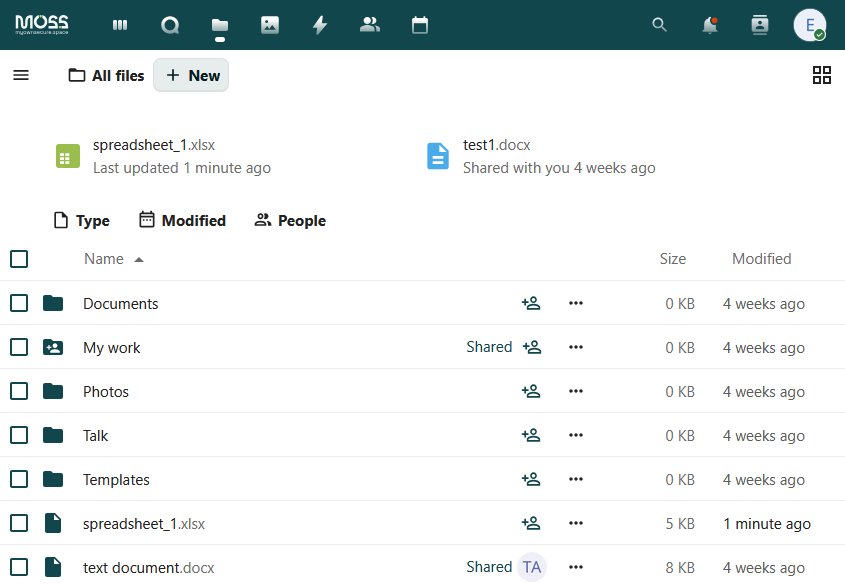
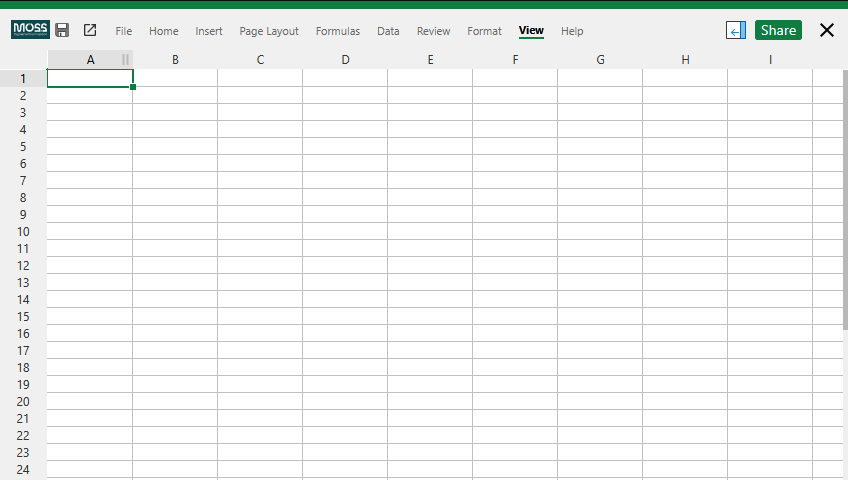
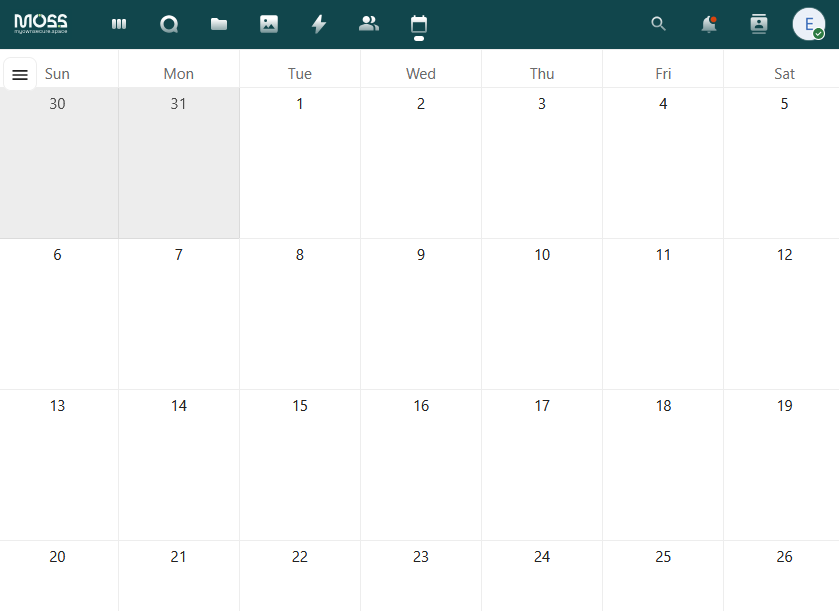
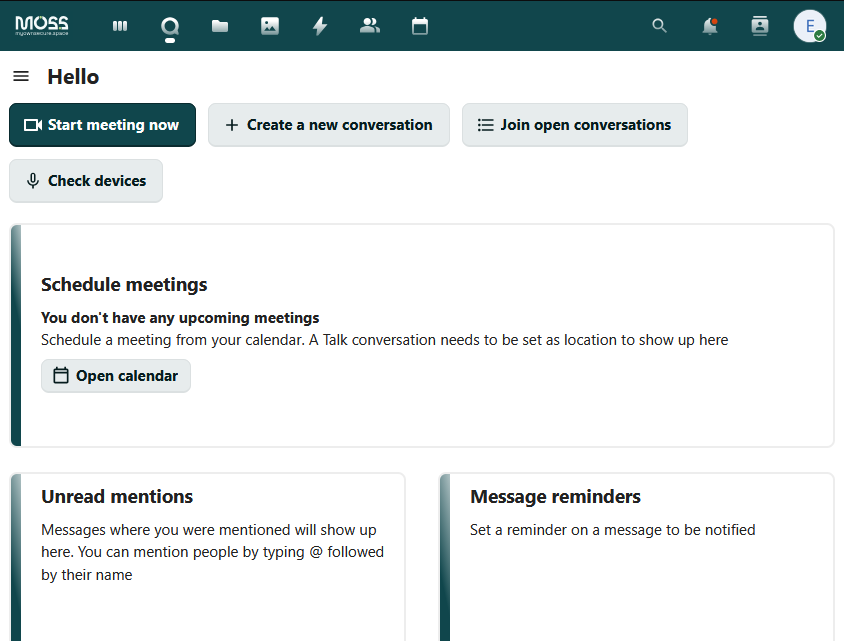
Choose the storage option that suits you, such as 500 GB, 1 TB, or 2 TB. Each coupon is valid for one year.
Your coupon includes a scratch-off area with your user ID and password. Use those credentials for your first login.
At first login, you set a new personal password for your account. This gives you control over your access from the start.
You can optionally add an email address for password reset. It is not required to use the service.
Upload files, work on documents, manage your calendar, and use chat and calls. When you want to continue your service period or increase storage, simply add a new coupon.
If you bought a coupon before, you don't need a new account to keep going — a new coupon extends the one you already have. It can add more time, more storage, or both.
Pick up a new coupon for the storage size you want to add.
Use your current login and password — the same account you already use.
From your dashboard, open the extend page and enter the new coupon's login and password.
Review the new storage and validity, then confirm. The new coupon is used up and your account updates immediately.
You can safely store documents, photos, videos, and other files.
Yes. The service includes document creation and editing as part of your personal cloud space.
No. The service does not require mandatory personal information for use.
No. You may add an email address for password reset, but it is optional.
Buy a coupon in a retail shop, scratch off the protected area, log in with the provided user ID and password, then create your own new password.
Each coupon is valid for one year.
To continue using the service, you can add another coupon to extend your service period. Existing users can also use a new coupon to increase storage space.
Yes. You can buy another coupon later to increase your storage capacity.
Yes. The service supports access and sync across common devices in general, including mobile and desktop use.
Yes. Files can be synced with your computer, and your calendar can be synced with mobile devices and computers.
You can communicate through chat and calls within the service, and these can be shared with anyone using a link.
Yes. You can enable two-factor authentication for extra account protection.
Buy a coupon, log in with the printed credentials, and set your own password. Your private space is ready in minutes.
Log inCONNEXT L.T.D.
str. Dunav no. 35Send us a message and we will get back to you by email.